RPi LED Config
A 2-Factor WiFi config tool for the Raspberry Pi
The Raspberry Pi Imager allows you customise images - hostnames, WiFi SSID, SSH keys, etc. But, what if you're flashing a Pi for installation at a remote site, and you don't know the WiFi details in advance?
There's a few solutions, most notably BTBerryWiFi which allow you to change the WiFi details over Bluetooth. Unfortunately, there's no way without pre-configuring access in the Pi to secure the change. I appreciate it's a niche configuration, but if:
- You want to flash the image once, maybe for multiple Pis
- You don't want to leave secure keys/passwords in the Pi image
- You want to configure WiFi on-site at installation, and you don't know those details in advance
- There's no screen, keyboard or mouse at the site
- You want to ensure that only someone with physical access to the Pi can configure the WiFi
- You want to be able to 'lock' the Pi afterward so it can't be reconfigured
It occurred to me: The Pi needs a way to generate a secure identifier, and somehow communicate it to a phone app; which can then do the WiFi config over bluetooth. So, why don't we generate a secure random 64-bit key, and have the Pi transmit it by modulating its front LED? The Android app can read the key using the RPi camera, then connect over bluetooth and prove knowledge of the key. Once authenticated, it can configure the Pi - almost like a 2FA solution. The app would have an option to remove the daemon from the Pi when complete, making sure the Pi can't be reconfigured. This ensures a couple of things:
- You don't need to know WiFi details in advance
- You don't need a screen or keyboard
- You must be in the room, with the Pi
- You can make sure once done, the Pi WiFi can't be changed this way again.
The outcome of this is RPiLEDConfig.
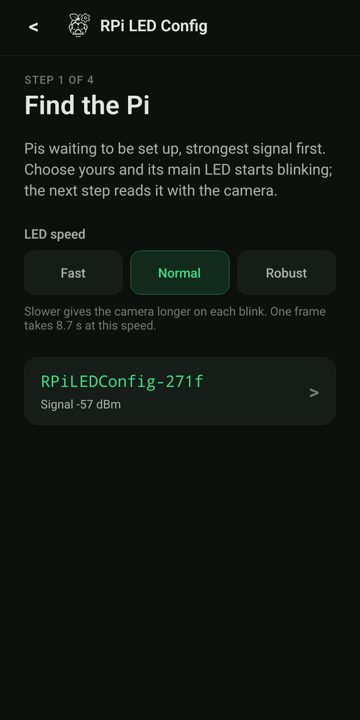
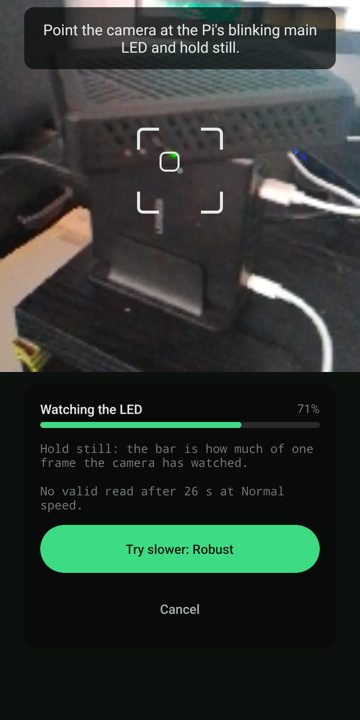
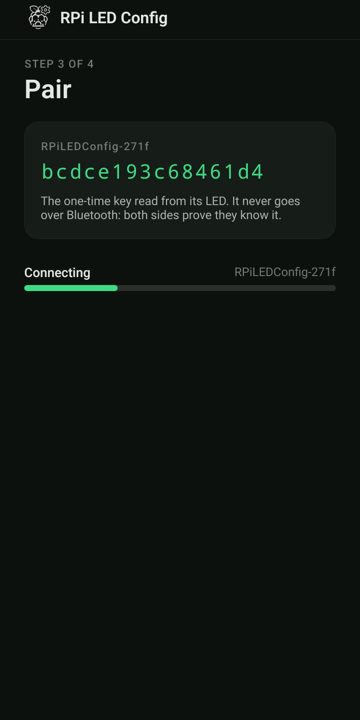
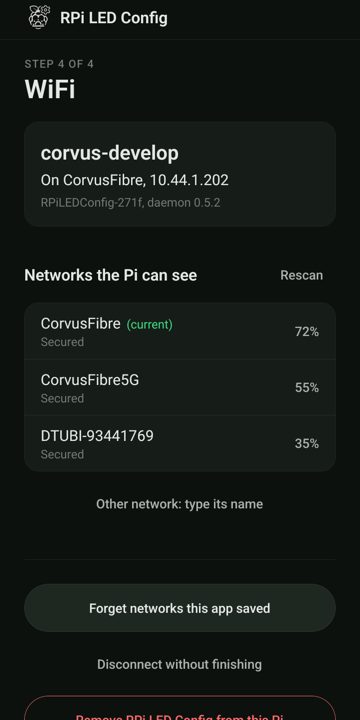
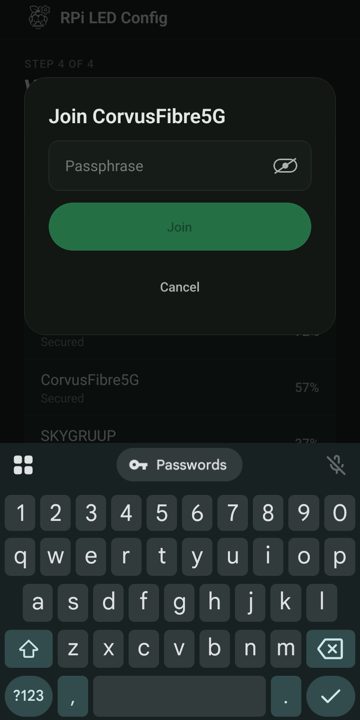
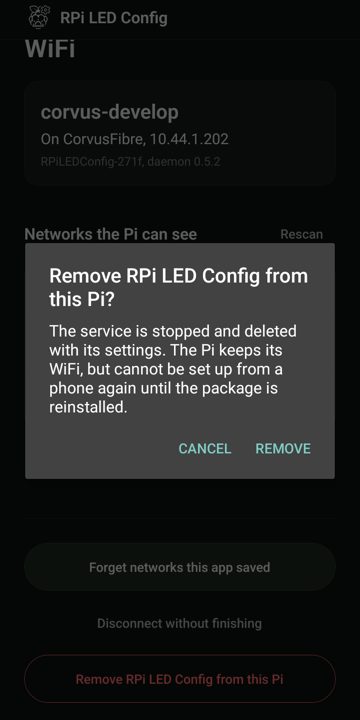
- A dpkg/apt daemon that generates a secure random key, listens on Bluetooth, and modulates the front LED when requested with the key.
- A React Native Android app that finds the Pi on Bluetooth, requests the LED key broadcast, and then demodulates the key using the the phone camera pointed at the front LED. Having authenticated with this key over Bluetooth, it can then configure the WiFi, and/or direct the Pi to remove the daemon, leaving the Pi on the WiFi and secure.